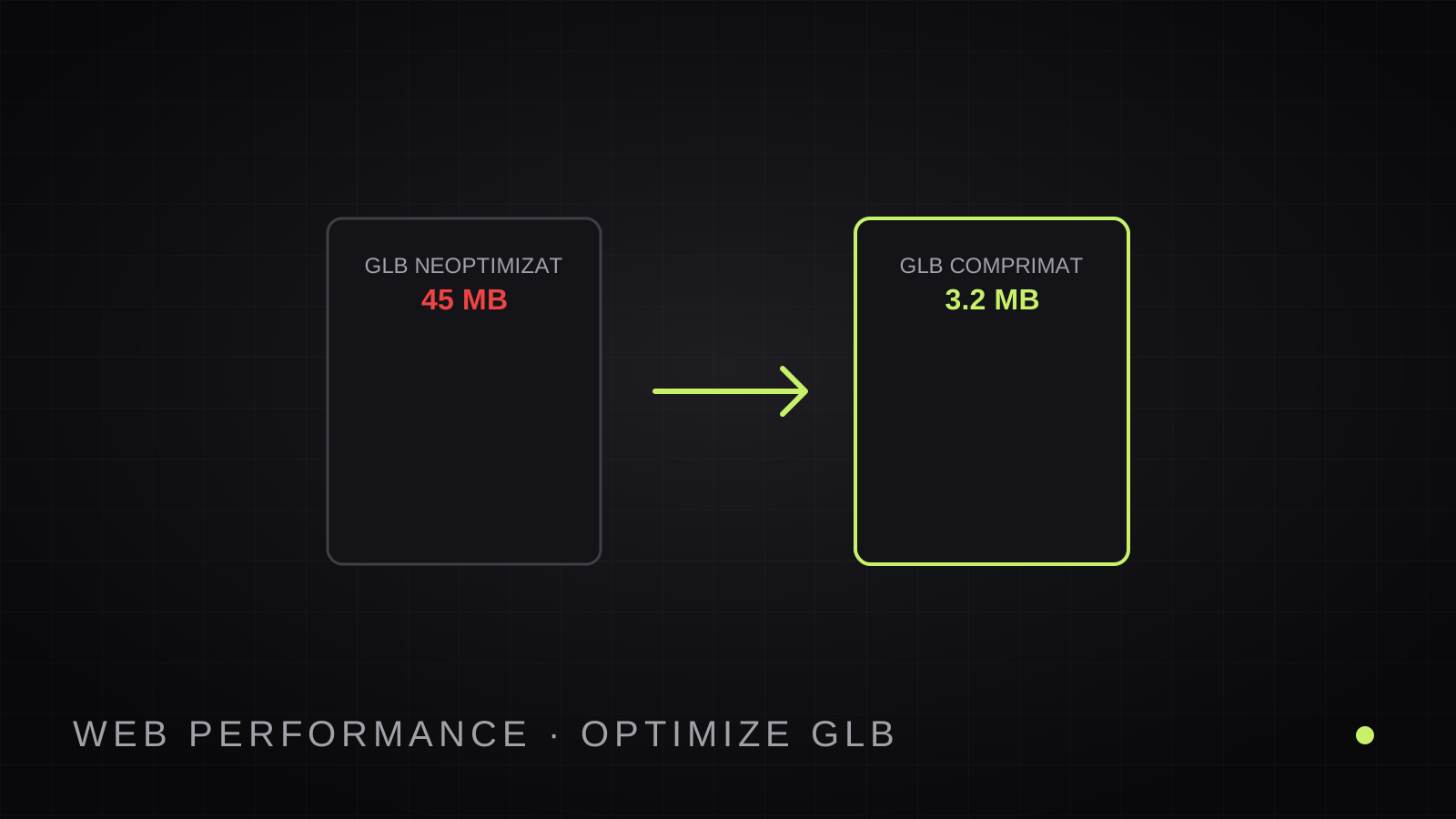
An extraordinary 3D model weighing 60 MB will deter potential buyers long before they get the chance to interact with it. In digital commerce, every fractions-of-a-second delay hurts conversion rates and degrades Google Core Web Vitals performance scores.
The standard format for the modern 3D web is GLB (the binary container of glTF 2.0). In this performance tutorial, we break down how to shrink heavy 3D assets down to 2–4 MB while maintaining crisp product materials and true-to-life color calibration.
The Anatomy of a Heavy 3D File: Mesh vs. Textures
When investigating an oversized GLB container, file bloat stems from two primary components:
- Geometric Mesh (Vertices & Triangles): Raw 3D photogrammetry scans or CAD engineering exports frequently contain hundreds of thousands or millions of triangles. On a smartphone display, the human eye cannot distinguish between 50,000 well-topologized polygons and 1,000,000 redundant vertices.
- PBR Texture Maps: Embedded uncompressed PNG images (Base Color, Metallic, Roughness, Normal, and Occlusion maps) can easily account for dozens of megabytes.
Proven Optimization Techniques
1. Polygon Decimation
To ensure steady 60 frames-per-second performance across budget and flagship mobile devices alike, target a polygon budget between 30,000 and 80,000 triangles. Decimation algorithms eliminate redundant coplanar vertices while preserving sharp mechanical contours and profile silhouettes.
2. Texture Map Downscaling to 2K
On typical ecommerce responsive viewports, the 3D viewer occupies between 400 and 800 CSS pixels. 4K textures (4096x4096px) are a waste of bandwidth and GPU memory on mobile devices. Downsampling texture assets to 2048x2048 (2K) immediately slashes payload weights by over 70% with zero visible loss at typical zoom levels.
3. Draco & Meshopt Compression
The glTF standard incorporates KHR_draco_mesh_compression. Draco compresses vertex attributes and indices similarly to how modern audio codecs compress sound. Modern web engines decompress Draco buffers in mere milliseconds on client hardware.
Automated Optimization in 3DView.ai
With 3DView.ai, there is no need to manually run command-line optimization pipelines. Whether you generate a concept model via AI or reconstruct inventory using our guided 3D phone scanning workflow, models are automatically generated with optimized geometry and web-first textures, including companion USDZ files for instant Apple iOS AR Quick Look compatibility.